Home » Blog » Glossary
What Are AI Collaboration Tools and How They Transform Team Productivity
Discover what AI collaboration tools are, how they work, their key features, benefits, and how they help modern teams improve productivity and coordination.
Why Choose The Flock?

+15.000 top-tier remote devs
Payroll & Compliance
Backlog Management
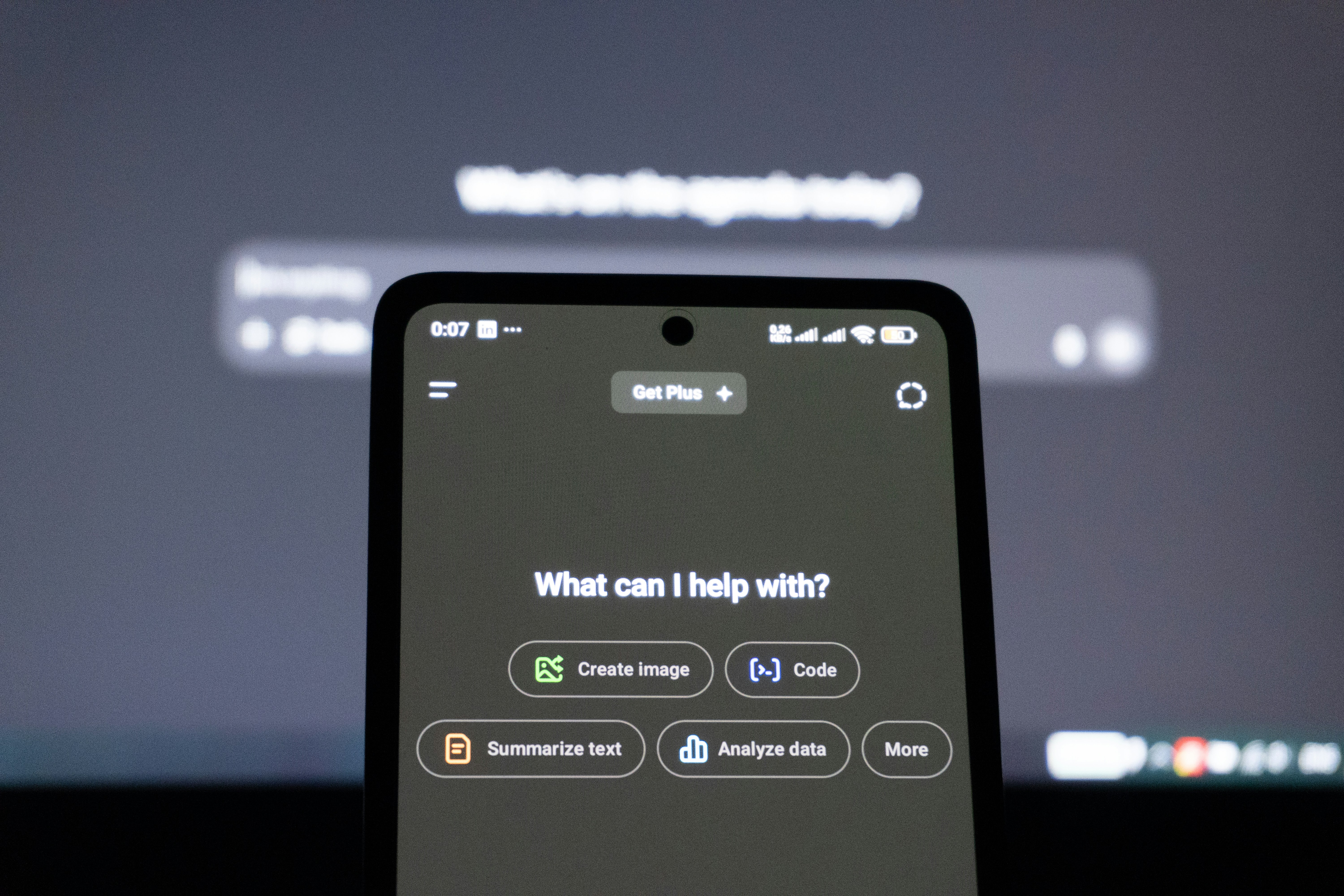
Artificial intelligence is no longer limited to analytics or automation. It is increasingly embedded in the way teams communicate, plan, and execute work. As organizations adopt more distributed and fast-paced operating models, AI collaboration tools are emerging as a new layer of productivity.
These tools do not simply enable communication—they actively assist it. By organizing information, generating content, extracting insights, and automating coordination tasks, AI collaboration tools are reshaping how modern teams function.
What Are AI Collaboration Tools?
AI collaboration tools are digital platforms that use artificial intelligence to enhance how teams work together.
Unlike traditional collaboration software—which primarily facilitates messaging, file sharing, and task tracking—AI collaboration tools introduce intelligence into the workflow. They can:
-
summarize conversations and meetings,
-
extract action items automatically,
-
generate written or technical content,
-
analyze project data,
-
suggest next steps based on patterns.
The defining feature is that these systems do not just store information—they interpret and optimize it.
How AI Collaboration Tools Work
AI collaboration tools rely on technologies such as:
-
Natural Language Processing (NLP)
-
Machine learning algorithms
-
Predictive analytics
-
Generative AI models
These systems can process large volumes of communication and project data to identify patterns, automate repetitive tasks, and support decision-making.
For example, AI can:
-
turn meeting transcripts into structured summaries,
-
detect deadlines mentioned in conversations,
-
recommend task prioritization,
-
assist in drafting documentation or code,
-
identify workflow bottlenecks.
Rather than replacing human collaboration, AI acts as a productivity layer that reduces cognitive load and administrative friction.
Examples of AI Collaboration Tools
AI collaboration capabilities are increasingly embedded into existing platforms.
Examples include:
-
AI-powered meeting assistants that transcribe and summarize calls,
-
intelligent project management tools that forecast delays,
-
collaborative writing assistants that generate or refine content,
-
AI copilots integrated into development environments,
-
chat platforms that automatically detect tasks and reminders.
In many cases, AI is not a separate system but an integrated feature within tools teams already use.
Key Features of AI Collaboration Tools
Automated Summarization
Converts long discussions or documents into structured outputs.
Task Extraction and Workflow Automation
Identifies action items and updates project boards automatically.
Predictive Insights
Analyzes historical data to anticipate risks or delays.
Content and Code Assistance
Supports drafting of documentation, communication, or technical work.
Knowledge Retrieval
Surfaces relevant information quickly from shared repositories.
These features reduce manual coordination effort and increase clarity across teams.
Benefits of AI Collaboration Tools
Increased productivity
Research on AI-assisted knowledge work shows that generative AI can significantly improve task completion speed and output quality when used as an augmentation tool.
Reduced cognitive overload
AI organizes information, helping teams focus on higher-value activities instead of administrative work.
Improved alignment
Automated summaries and structured outputs reduce misunderstandings.
Faster decision-making
AI-generated insights help teams respond more quickly to changes.
Enhanced distributed collaboration
AI can maintain continuity across time zones by summarizing and structuring information asynchronously.
When implemented thoughtfully, AI collaboration tools enhance—not replace—human performance.
AI Collaboration Tools vs. Traditional Collaboration Software
Traditional collaboration software enables:
-
communication,
-
file sharing,
-
task tracking,
-
documentation.
AI collaboration tools go further by:
-
interpreting communication,
-
generating outputs,
-
recommending actions,
-
automating coordination.
The difference is not access to information, but intelligent interaction with it.
Use Cases of AI Collaboration Tools in Tech Teams
AI collaboration tools are especially valuable in engineering and product environments.
Common use cases include:
-
summarizing sprint reviews and retrospectives,
-
generating documentation from code comments,
-
identifying recurring bug patterns,
-
assisting with backlog prioritization,
-
supporting onboarding with AI-generated knowledge summaries,
-
building internal copilots that automate routine decisions.
For distributed tech teams, AI reduces coordination overhead and accelerates delivery cycles.
Challenges and Limitations of AI Collaboration Tools
Despite their benefits, AI collaboration tools present limitations.
Data privacy and security
AI systems often process sensitive internal communications.
Accuracy and hallucination risks
Generative AI may produce incorrect or misleading outputs.
Overreliance on automation
Teams must avoid replacing critical thinking with AI suggestions.
Workflow integration complexity
AI adoption requires process alignment and training.
AI collaboration works best when implemented with governance, transparency, and human oversight.
The Future of AI-Driven Collaboration
AI collaboration tools are likely to become embedded layers rather than standalone products. Instead of switching platforms, teams will interact with AI directly within communication, documentation, and development environments.
Future trends may include:
-
real-time predictive coordination,
-
autonomous scheduling optimization,
-
deeper AI integration within engineering workflows,
-
context-aware copilots embedded across platforms.
As AI matures, collaboration may become more structured, data-informed, and adaptive—while still guided by human decision-making.
How The Flock Helps Companies Adopt AI Collaboration Tools
Successfully adopting AI collaboration tools requires more than access to software. Many AI initiatives fail because they lack clear use cases, structured implementation, or alignment with business goals.
The Flock supports companies by helping them move from AI experimentation to scalable execution. Through nearshore AI teams and embedded delivery models, organizations can design, build, and deploy AI-powered collaboration solutions tailored to their workflows.
This may include:
-
AI copilots for internal operations
-
automation of manual coordination tasks
-
smart recommendation engines
-
predictive models that enhance team decision-making
-
AI integrations embedded into SaaS or internal platforms
Rather than reselling tools, The Flock acts as an implementation partner—assembling experienced professionals across AI, data, product, and engineering to translate collaboration challenges into measurable solutions.
Companies can engage through Talent On-Demand, integrating AI specialists into existing teams, or through Managed Software Teams, where dedicated squads build and scale custom AI-enabled collaboration systems from concept to production.
By combining technical expertise, nearshore alignment, and structured delivery, The Flock helps organizations adopt AI collaboration tools in a way that improves productivity while maintaining clarity, governance, and long-term sustainability.
Why Choose The Flock?
+15.000 top-tier remote devs
Payroll & Compliance
Backlog Management